HR360 · MOBILE HRMS
Making everyday HR tasks easier to manage.
Attendance, leave, approvals, and timesheets — brought together in one simpler employee experience.
Attendance Tracking
Leave Management
Approvals
Expense Claims
Timesheets
Employee Experience
Workflow Simplification
Mobile HRMS
Duration
24 Weeks
Role
UI/UX Designer
Platform
Mobile
Discipline
Research · Design · Prototype · Handoff
Product Context
HR360 is a mobile HR platform built to simplify daily employee tasks. Users can manage attendance, leave, approvals, and timesheets in one place, making everyday workflows easier and more organised.
The Problem
“Users faced difficulty managing daily HR tasks like attendance, leave, approvals, and timesheets. Multiple workflows made the experience confusing and hard to manage. This led to delays, poor tracking, and a slower overall process.”
Too many actions
One dashboard
Slow approvals
Information overload
Existing Experience Analysis
What confused users :

Research & Discovery
Existing workflow review
Reviewed attendance, leave, approval, and timesheet flows to understand where users were getting stuck.
App walkthrough
Checked current screens to identify confusing navigation, repeated actions, and hard-to-find features.
User pain points
Looked at common employee frustrations such as approval delays, unclear dashboards, and too many steps.
Feature mapping
Mapped daily tasks to understand what users need most and what should be easier to access.
Key Findings
01 Daily actions were hard to find
02 One dashboard couldn't serve every role
03 Approvals required too many steps
04 Too much information competed for attention
05 Attendance and leave were the most frequent tasks
Goals
Make daily tasks easier
Reduce effort for attendance, leave, and approvals.
Improve navigation
Help users find important actions faster.
Reduce confusion
Keep screens cleaner and easier to understand.
Faster approvals
Make request handling quicker and clearer.
Architecture - Structure before screens
Features were grouped based on what users use most, their role, and daily tasks to make the app easier to understand before designing screens.
Attendance & Time
Clock In / Clock Out
Attendance Logs
Regularization
Timesheet
Leave Management
Apply Leave
Leave Balance
Leave History
Status View
Approvals
Leave Approvals
Timesheet Approvals
Attendance Approvals
Bulk Actions
Final Designs
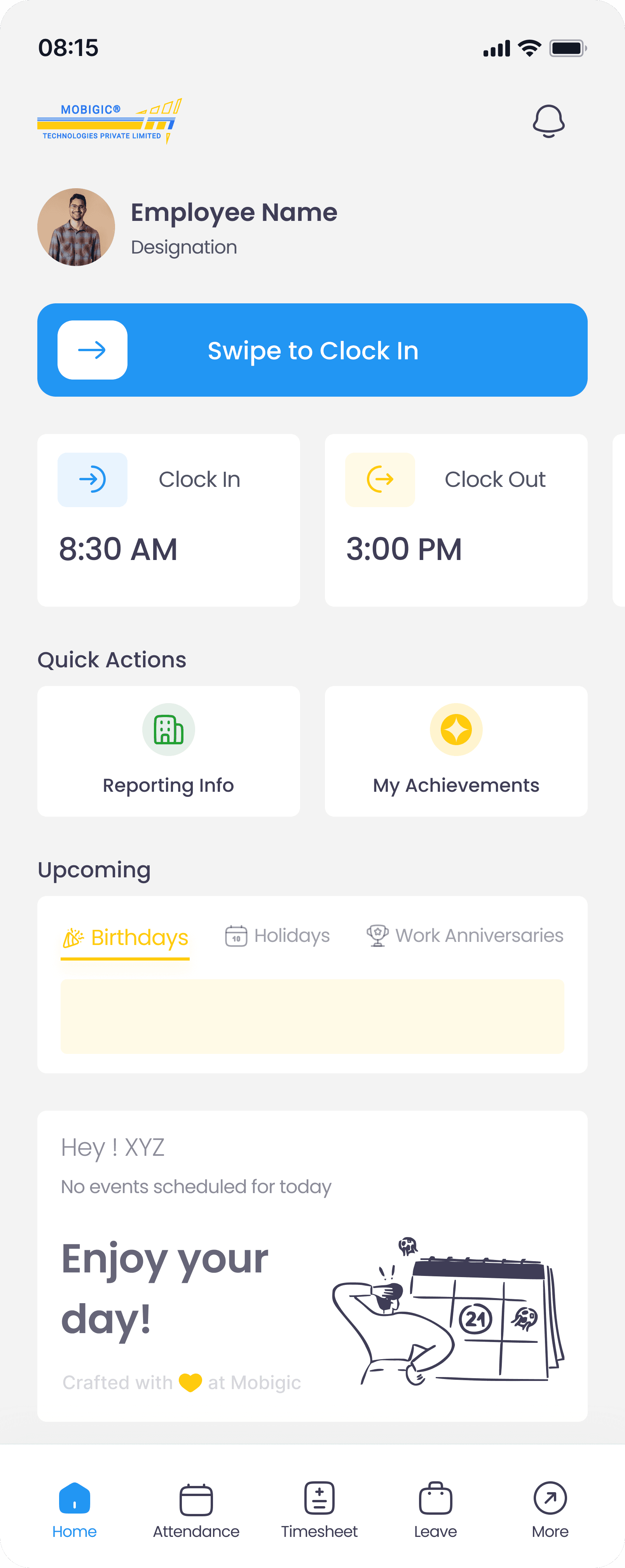
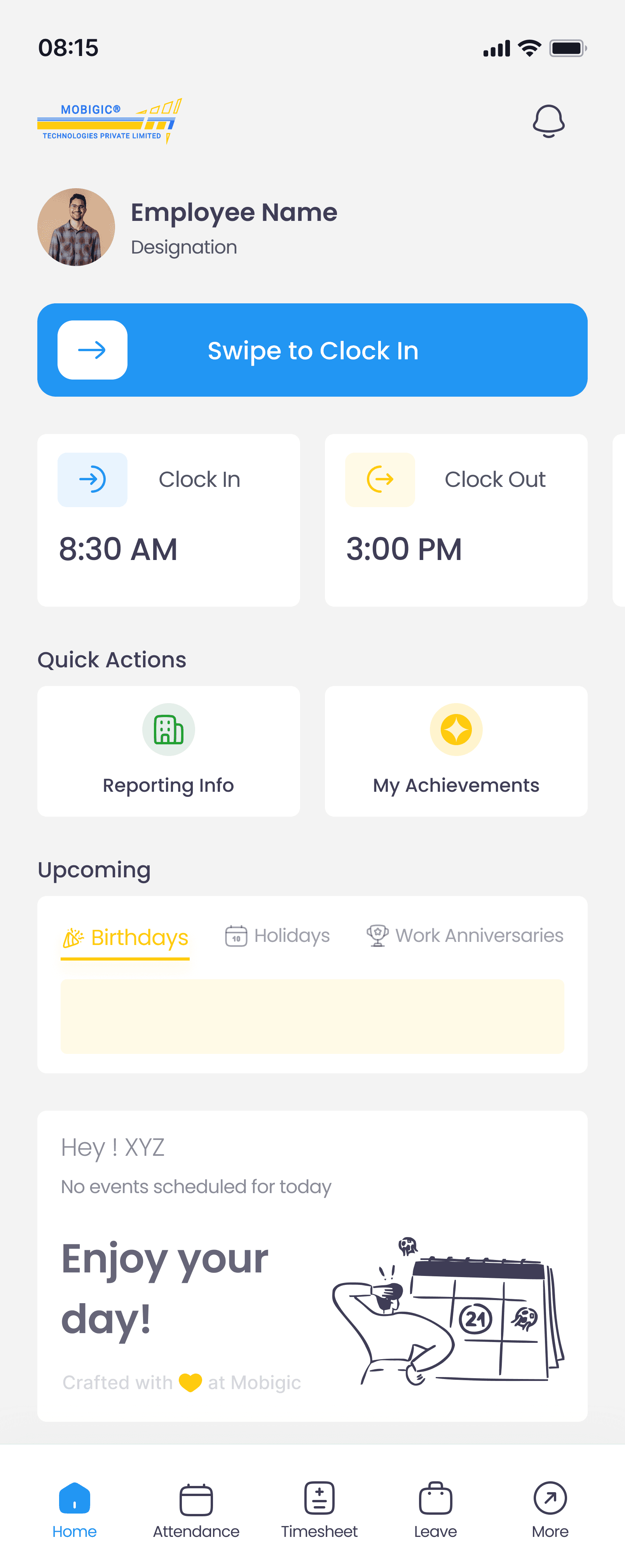
Home Dashboard: Quick access to daily tasks
Design Goal
Create a role-based dashboard that helps users complete common tasks with minimal effort.
Quick Clock-In Journey
Open app
→
Home screen
→
Swipe to confirm
→
GPS detected
→
Clocked in ✓
Employee Actions
Personal tasks
Attendance Tracking
Personal Updates
Quick Shortcuts

Manager Actions
Team management
Approval actions
Team visibility
Team updates
Attendance: Complete attendance management
Design Goal
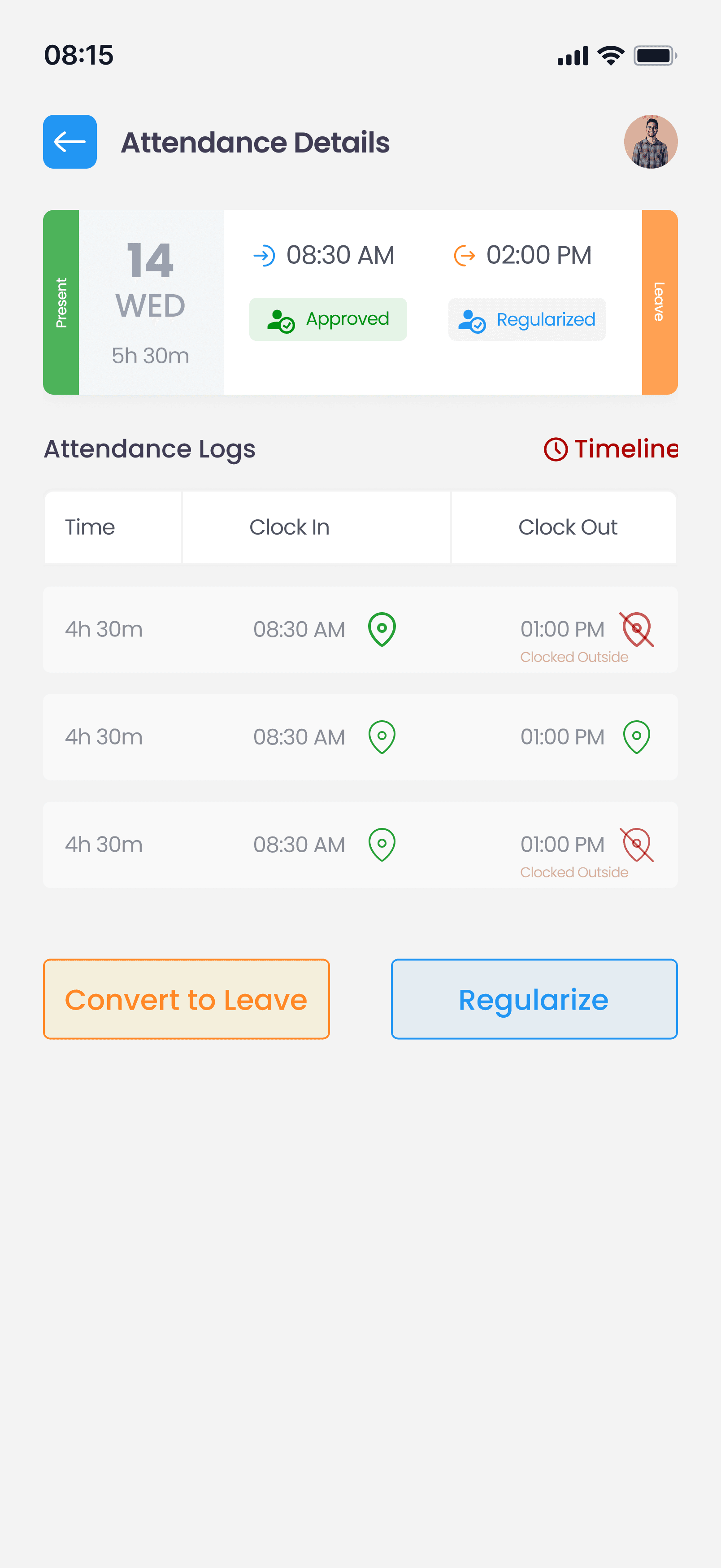
Help users easily track attendance, review records, and resolve attendance issues when needed.
Users can review attendance records, missing entries, or convert attendance issues into leave requests from a single workflow.
Attendance Resolution Journey
View Attendance
→
Check Details
→
Identify Issue
→
Regularize / Convert to Leave
→
Request Submitted ✓
① Monthly Overview

② Day-wise Details
③ Regularization

④ Convert to Leave

Leave Management: Simple leave planning and tracking
Design Goal
Help users apply for leave, track requests, and view leave balances without confusion.
Leave Request Journey
Choose Leave Type
→
Select Dates
→
Add Details
→
Review Summary
→
Request Submitted ✓
① Leave Overview

② Choose Leave Type

③ Apply for Leave

④ Review & Confirm

Timesheet Management: Easy time tracking and submission
Design Goal
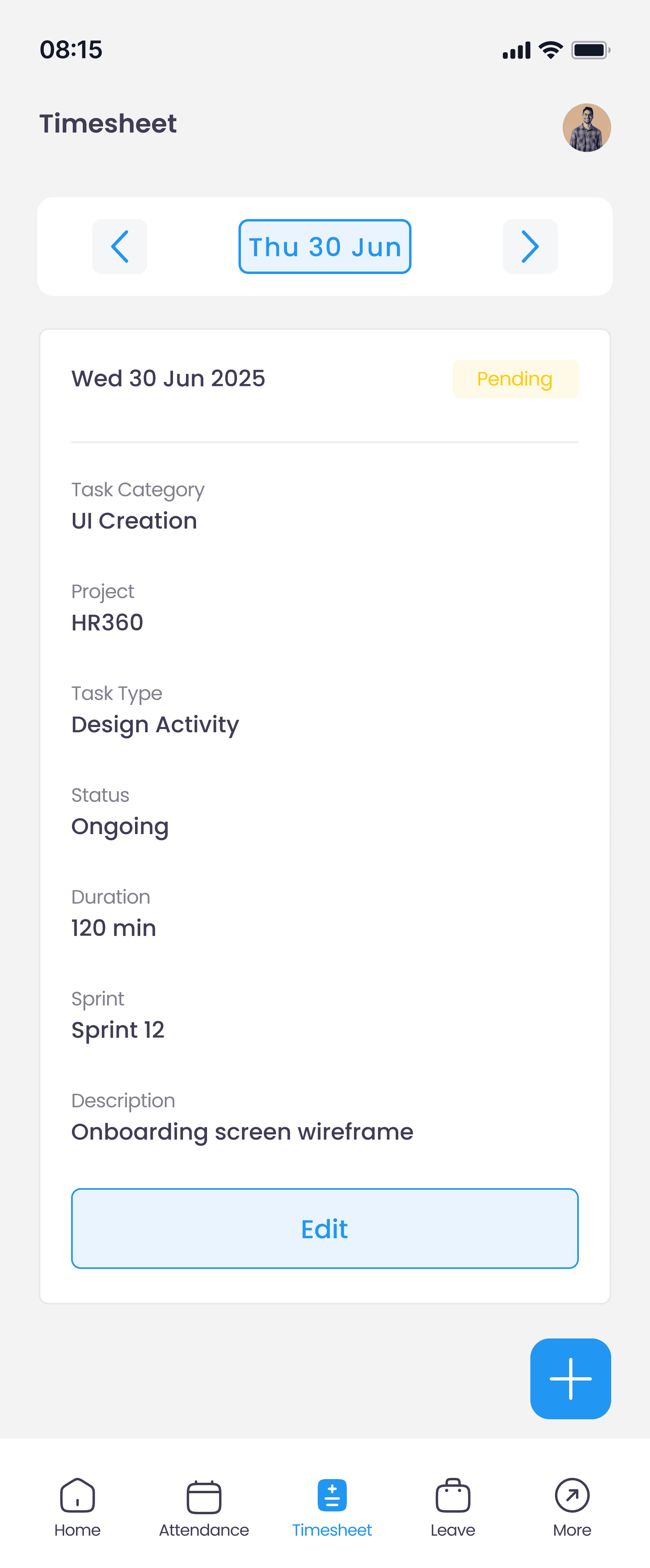
Help users record work activities and submit timesheets through a simple step-by-step process.
A structured workflow that helps users log work activities, review entries, and submit timesheets with fewer steps.
Timesheet Journey
View Timesheet
→
Add Timesheet
→
Enter Task Details
→
Review Entry
→
Submit Timesheet ✓
① Timesheet Overview
② Add Timesheet

③ Task Details

④ Review & Submit

Approvals, surfaced where they matter
Managers can review, approve, or reject requests directly from the home screen. The details open with full context.
Manager — Approve Leave — Flow
Approval widget
→
Select approval
→
List
→
Review details/Tap Approve
→
Confirmed ✓


6 taps → 3 taps
Approval action reduced from deep navigation to home screen widget.
View by type
Leave, Timesheet — managers handle by
category for faster batching.
Full context
Reason, timeline, and days visible before deciding. No blind approvals.
Impact - Numbers that matter
Usability test · 5 participants
Workflow comparison · existing vs redesigned
67%
Faster clock-in & clock-out
Clear view
2×
Role-based dashboard experiences
Employee · Manager
4/5
Users Completed the leave flow without assistance
usability test · 5 participants
Marking attendance now takes seconds. I don't have to think about it anymore.
RP
R. Patil
Employee · usability test
Approvals are right there when I open the app.I used to miss requests for hours.
SM
S. Mehta
Manager · usability test
What this project taught me
01
Role separation is a design constraint, not a feature
03
Surfacing priority actions reduces navigation load
02
Simplifying complex systems is more about structure than visuals
04
Small interaction improvements — like swipe-to-clock-in — compound into major time savings at scale